THE TINY DESK TREND
Tiny Desk Concert
AI Video Generator
Your face, the desk, the band — and the unexpected solo everyone will remember.
Turn your photo into a desk-concert idea. Pick your look, find your front-row moment, and put yourself at the center of the session.
One photoYour own sessionBand & vocalsSaved task history
This time, you sing lead.
The close-up
CREATE VIDEOThe solo
CREATE VIDEOWide-angle desk concert
CREATE VIDEOThe vocal moment
CREATE VIDEOA room full of music
CREATE VIDEOConcert style reference clips. Not generated by this app.
What is Tiny Desk AI?
The desk-concert trend turns a familiar face into an unexpected lead singer. A crowded room, a keyboard, a microphone, and a full band: the fun is who takes the stage. Explore the visual references, choose a mood, and try the creation flow below.
See how the session comes together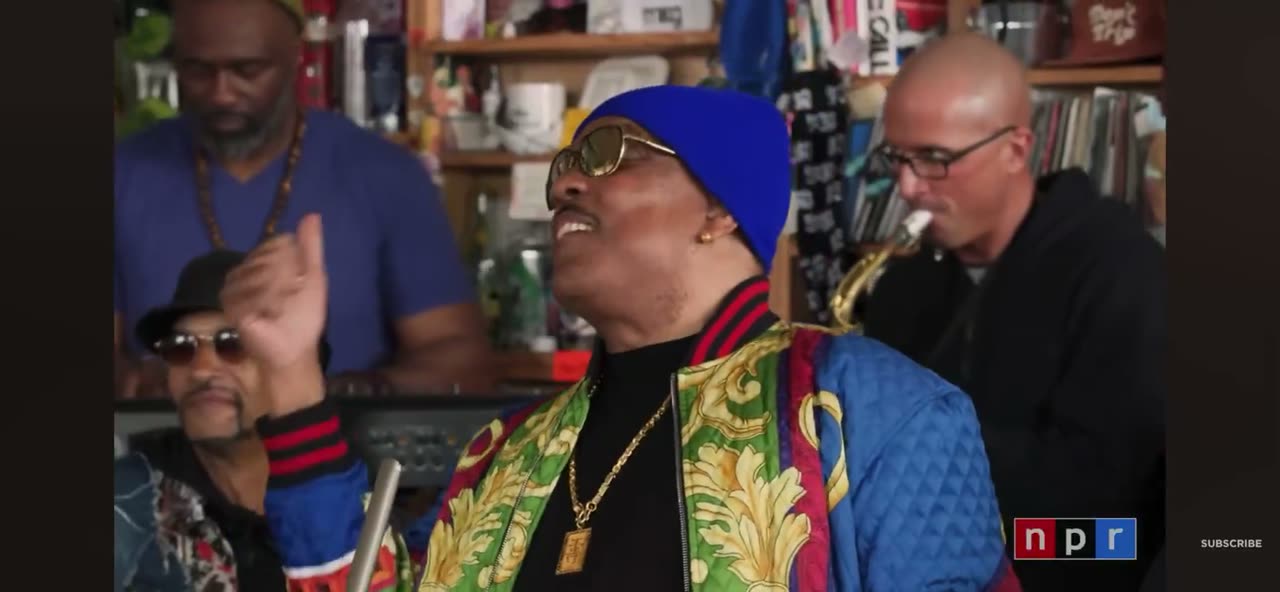
- Input
- A clear portrait
- Looks
- Soul, jazz or acoustic
- The spotlight
- You and the band
- This preview
- Connected account workspace
TINY DESK AI GENERATOR
One photo in. The whole band out.
Add your photo and pick your mood. From the wide band shot to the close-up and the solo, find the desk-concert look you want to make.
THREE STEPS
How to make your desk moment
Bring one good photo, choose your look, and let the whole room join in.
Find your good side
Choose a clear, front-facing photo in even light. Use your own photo, or one you have permission to use.
Pick your session
Soul, jazz, or acoustic. Find the atmosphere you like, then make it your own.
Keep your moment
Track your task in the studio. When it is ready, play and save your video for the group chat.
LAUNCH PRICING
Pay once. Take the stage.
Choose a one-time pack by the number of videos you need, with no automatic renewal. The buttons below show purchase availability. When purchases open, confirm the amount and video count before paying.
Checking availability…
Frequently asked questions
Photo tips, creation steps, references, and your video.
Can I generate a video here?
This is a pre-launch preview. Public video generation is not open yet. Explore the concert reference clips, preview a photo and check studio availability. Once generation opens, sign in, verify your email and confirm photo permission before submitting a task.
Did Tiny Desk generate these example videos?
These concert reference clips show band, close-up and solo compositions. They are not results from this app or evidence of its model quality.
What kind of photo works best?
Use a clear, front-facing photo in even light, with your face and upper body visible. Avoid sunglasses, obstructions, and blur. Only use photos you have permission to use.
Are photos uploaded, and when does access expire?
When generation is unavailable or your email is unverified, selecting a photo only creates a local preview. With a verified email and generation enabled, selection uploads the photo to private storage. Access expires after 24 hours; physical removal runs through cleanup and is not instantaneous at expiry. See the privacy policy for provider-copy handling.
Does selecting a pack charge me?
Purchases are not open yet. Selecting a pack does not charge you. Once purchases open, you must confirm the amount and complete payment at checkout before video credits are granted.
Where can I find my tasks and completed videos?
Sign in and open My videos to see task status. Successful tasks support playback and download. The concert reference clips show performance styles; they are not generated results in your account.
What if a task fails or stays in progress?
Check its status in My videos and avoid repeated submissions. Contact support with the task ID and a description of the issue. A task that is still awaiting confirmation is not proof of completion or restored credits.
Ready for your first desk moment?
Choose your photo, find your favorite mood, and make the next session your own.
Create a video